Sweet 16 photo booth templates
Sweet 16 parties usually want bright and loud: hot pink, purple, mirror balls and glitter. These samples show the birthday name big, with the date underneath.
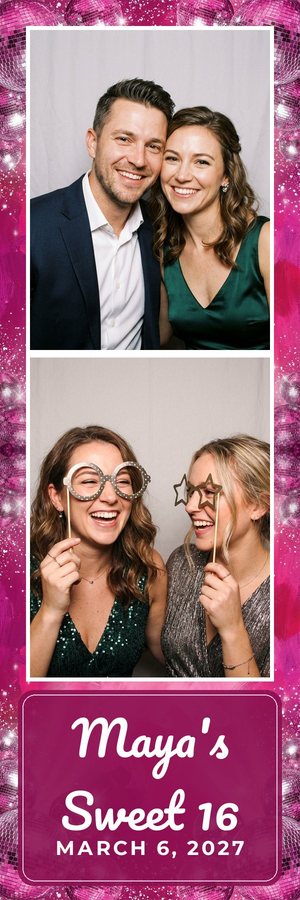
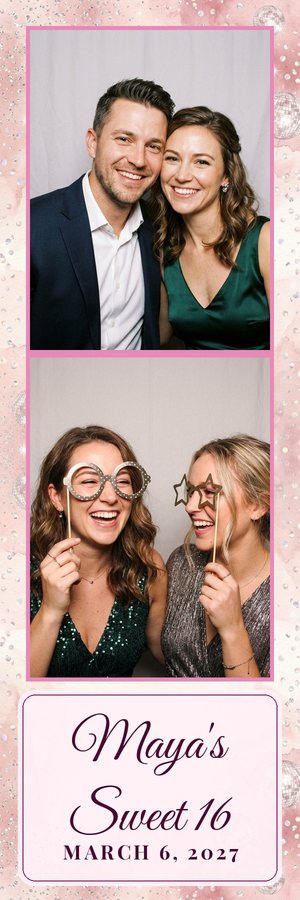
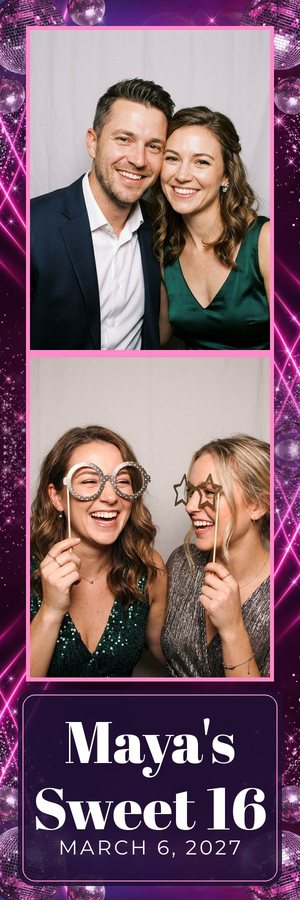
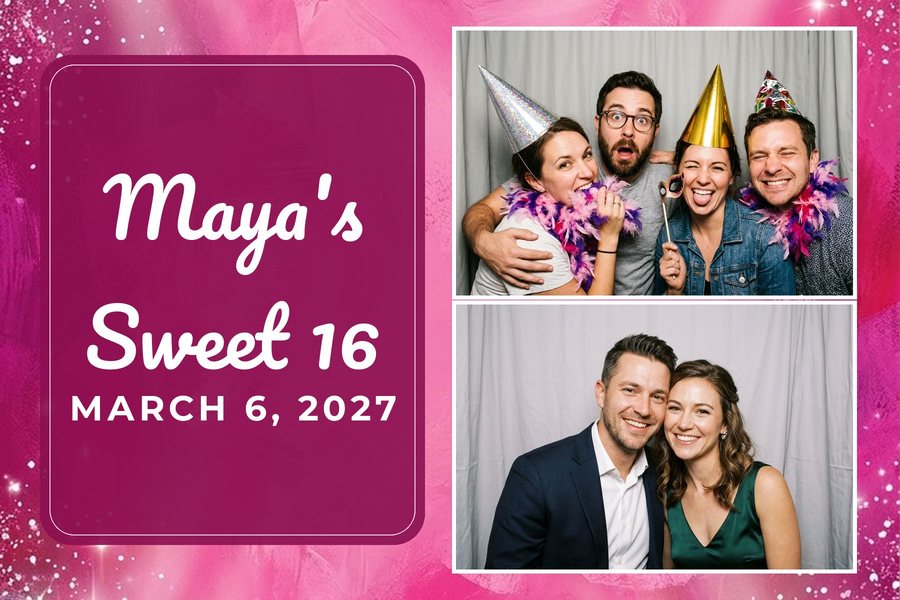
What to type
Type the name, the date and the party theme (for example "Maya's Sweet 16, March 6, pink disco"). A theme word like disco, glam, neon or Paris changes the background art.
The samples on this page show the look; they are not downloads. To get files, type your own event: you see 3 designs in about a minute, with no account and no card (one free try a day; on a busy day you may see sample designs instead). Press "Get the files" on the one you like and we email you the zip (one free pack per email per day). The designs and the link are deleted after 24 hours. Designs are made by AI, so check the spelling and the date before you print.
What the files are
Each design comes as a zip: an overlay PNG with see-through photo windows (it goes on top of the photos), a flat background JPG (it goes behind them, for apps that use a background), a preview, and a README with the canvas size and every photo box in pixels. Sizes: 2x6 strip (600x1800), 4x6 landscape (1800x1200), 4x6 portrait (1200x1800), and two 2x6 strips on one 4x6 sheet, all at 300 dpi.
Which booth apps
These match the file types and sizes that Fiesta / Salsa, LumaBooth / dslrBooth (4x6) and Breeze state on their help pages. Snappic, Touchpix and Darkroom take an overlay image too: these files should work there, not yet tested by us (we don't make Darkroom .xbdr template files). No 5x7 yet. Simple Booth sizes depend on your setup and may need resizing. In each app you place the photo boxes in the app's own editor, using the pixel numbers in the README. We don't connect to your booth app; you load the files yourself. See template sizes by booth app.